
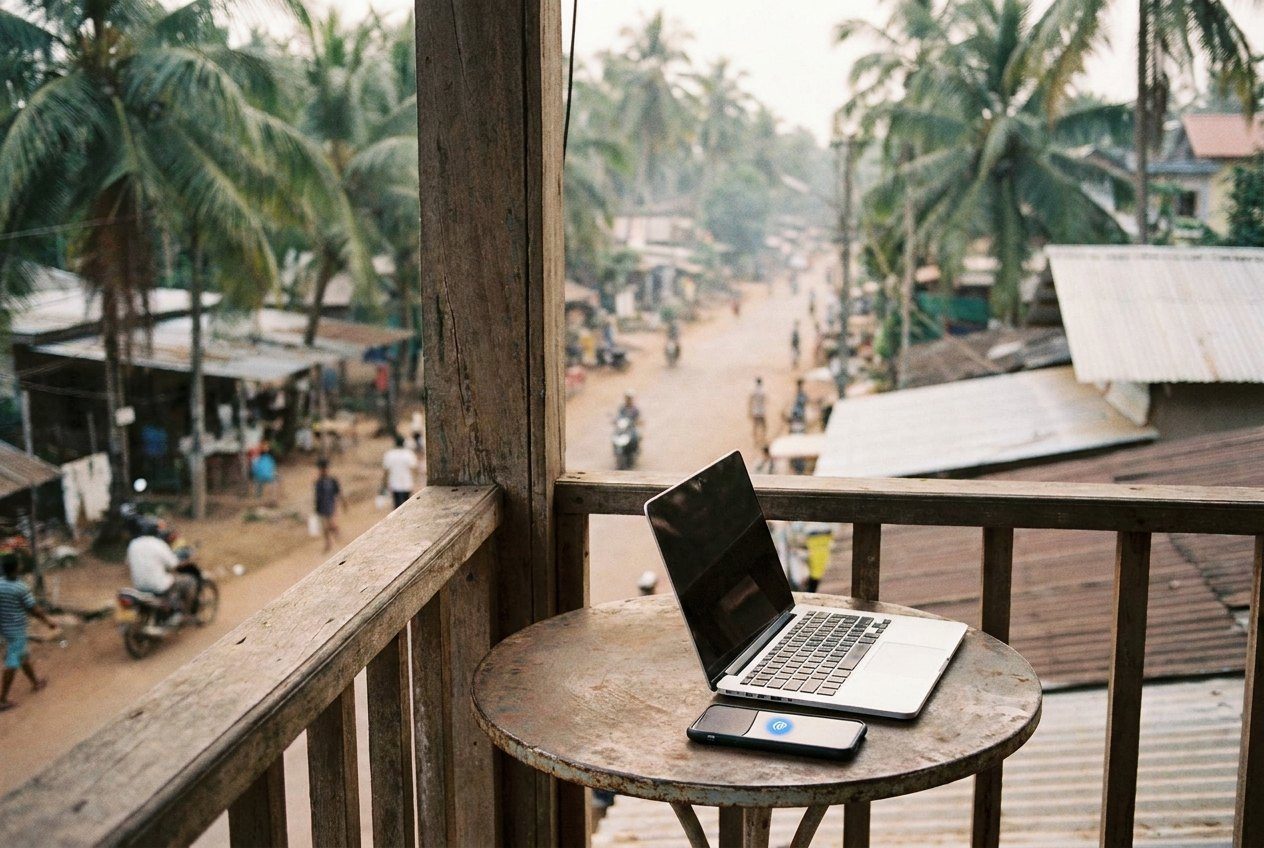
Teaching children online from a new town every few weeks sounds simple until the first evening the video stutters, the child's face turns into coloured squares and the parent watching from the sofa starts to frown. Young learners need to see your mouth, your hands and your props clearly. A connection that is fine for messages and maps can fall apart under a live video call, and for a teacher on the move the internet is not a detail but the floor you stand on.
Ask the right questions before you book
A listing that says "fast wifi" tells you very little. Before you commit to a room, write to the host and ask three plain things: whether the connection is fixed-line or mobile, whether the router is in the room or at the other end of the building, and whether they would send a screenshot of a speed test taken at the desk where you will sit. Hosts who understand remote work usually reply quickly.
Upload speed matters more for you than download speed, because you are the one sending video. Look for a connection that stays steady rather than one that peaks high and then sags. Latency, the delay before your voice reaches the other end, also matters with children, since a long lag makes songs and call-and-response games fall out of step.
Recent reviews from guests who mention working are worth more than the listing. Evenings are when many guests stream films, and evenings in one part of the world are often when you are teaching children in another, which is something the time zone planning side of the job makes clear very quickly.
Mobile data as the second line
Every teacher who travels should have a second way online that does not depend on the building. For most people that is a local SIM card or an eSIM with a generous data allowance, used to turn the phone into a hotspot. Check coverage maps for the town you are heading to, and remember that the signal inside a thick-walled old house can be far weaker than the signal on the street outside.
Keep the phone charged and the hotspot set up in advance, with a name and password you can find without thinking. If the main connection fails mid-lesson, you want to switch in under a minute, not spend five searching through settings while a child waits.
- A short ethernet cable, in case the router is close enough to plug into
- An adapter for your laptop if it has no network port
- A power bank that can keep the phone running through a full teaching block
- A note of the host's phone number, for the night the router needs restarting
Coworking spaces and other fallbacks
Many towns popular with remote workers have coworking spaces, and some have quiet booths or small rooms meant for calls. They can be a good fallback when your room's connection is poor, though they come with their own limits. Open-plan desks are no place for singing the alphabet, and opening hours may not stretch to the early mornings or late nights your timetable sometimes demands. Visit once before you rely on one, and ask whether calls are allowed and where.
Turn toA classroom in a backpackRun a test call on arrival
The first thing to do in a new room, before unpacking, is a proper test. A speed test is a start, but it only measures a moment. A better check is a video call of at least twenty minutes with a friend or a fellow teacher, at roughly the hour you will be teaching. Ask them to tell you honestly when the picture blurs or the sound clips.
While the call runs, try the spots where you might set up: the desk, the bed, the corner by the window. Note where the picture holds best and where your face is evenly lit. Then test the hotspot too. If neither is good enough, it is far easier to move on the first afternoon than after a week of patchy classes. The rest of your kit, from headset to backdrop, is covered in packing a classroom in a backpack.
When it drops in the middle of a lesson
It will happen at some point, wherever you are. The first rule is to stay calm, because children read your face even through a frozen screen and pick up on panic. If the picture freezes but sound continues, keep talking warmly and carry on with something that needs no video, such as a counting game or a song the child knows.
- Switch to your backup connection straight away rather than waiting to see if the main line recovers.
- Rejoin the lesson and greet the child by name with a smile, as if nothing much happened.
- Pick up a step earlier than where you lost them, so they are not left confused.
- Afterwards, follow whatever procedure your employer or client sets out for reporting technical problems, and keep a short note of the time and what failed.
Repeated drops in one place are a signal to change rooms, not to try harder. A child's trust in the lesson builds slowly and wears down quickly when the screen keeps disappearing.
A habit, not a hunt
The teachers who manage this best treat connection as part of choosing where to go, alongside weather and budget. They favour longer stays in fewer places, keep a list of rooms that worked, and plan travel days around teaching days rather than squeezing a lesson into a bus journey. Fewer moves means fewer tests, fewer surprises and more energy for the part that matters, which is the child on the other side of the screen. If you are still deciding how to balance moving with working, the story on travelling between teaching blocks looks at pacing a year.
Bell rings: back to this unit.